Why I built it
MotivationEveryone chases Gaussian splats toward photoreal. I wanted the opposite: to read a scan as drawing.
A splat scene isn't a smooth mesh. It's thousands of little oriented blobs: not spheres but ellipsoids, each with a direction and an elongation baked into its covariance. Most stylized renderers ignore that and fall back on a brightness-to-ASCII gimmick. Boring! InkField uses the structure instead: neighboring splats are assigned glyphs and strokes that match the real eccentricity and orientation of the geometry, so the marks describe the surface rather than just its brightness.
But something was missing for me as a DP, so I gave the renderer a camera a cinematographer would recognize: focal-length presets, an aperture, a focus distance, a focus pull. The twist is that defocus is never a pixel blur. It's a property of each mark: marks grow, soften, thin out, and bloom into bokeh discs as they leave the focus plane.
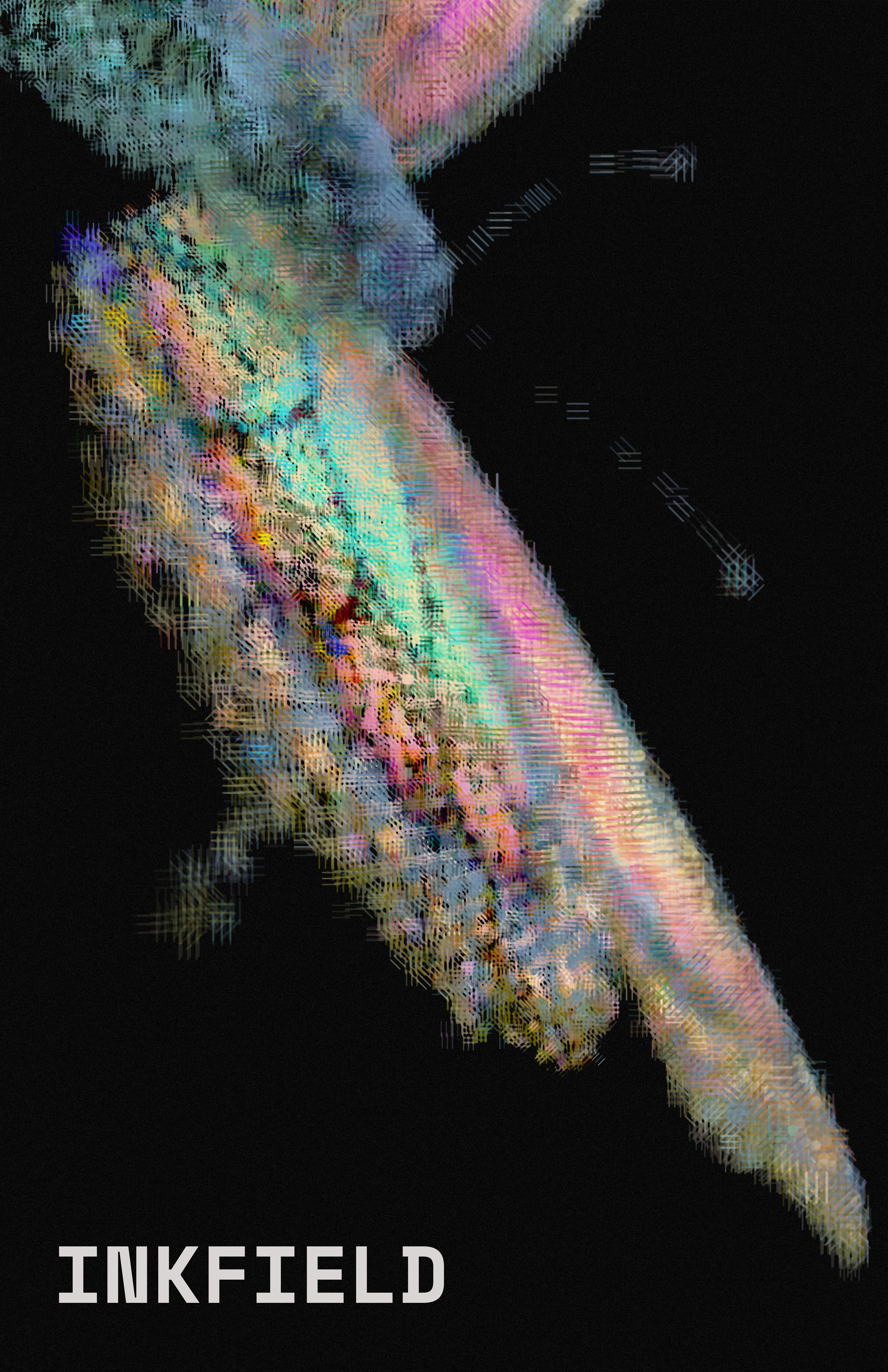 Flow mode
What it does
EngineeringA static Vite + TypeScript app with no backend and nothing to install. Load a scan, orbit, and render. The full tool runs at inkfield.studio.
Photo (normal splats), Glyph (structure-aware characters), Hatch (pen strokes on the same field), and Flow (streamline-placed marks).
Loads .ply, .spz, .splat, .ksplat, and .sog scenes through a file picker, with a demo scan bundled in.
A thin-lens camera with aperture stops, a focus distance, and focal presets that set field of view the way real glass does.
Depth of field is drawn as marks: defocused marks grow, thin, and bloom into discrete bokeh discs.
High-res stills, vector SVG of the instanced marks, and frame-exact video.
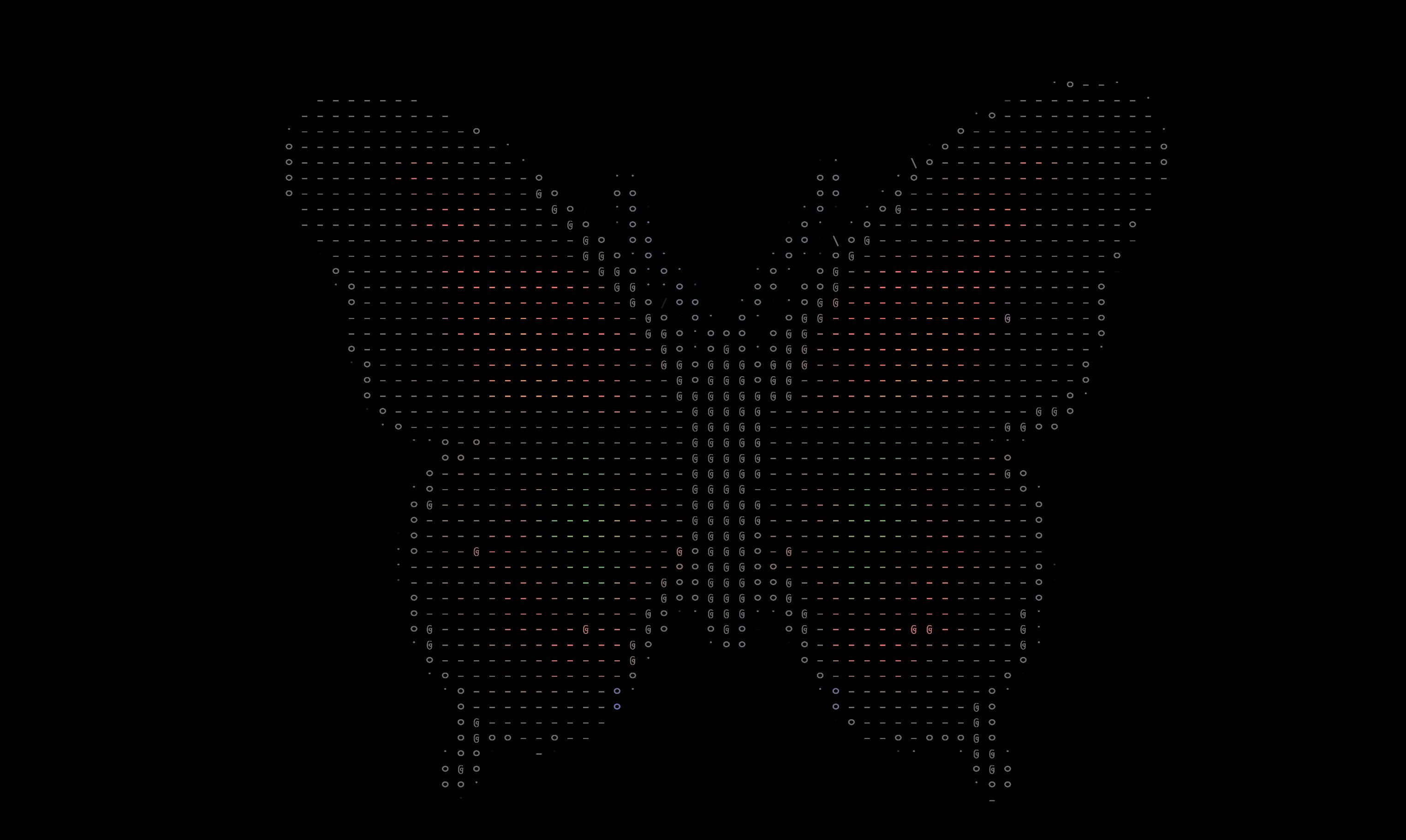 GLYPH MODE
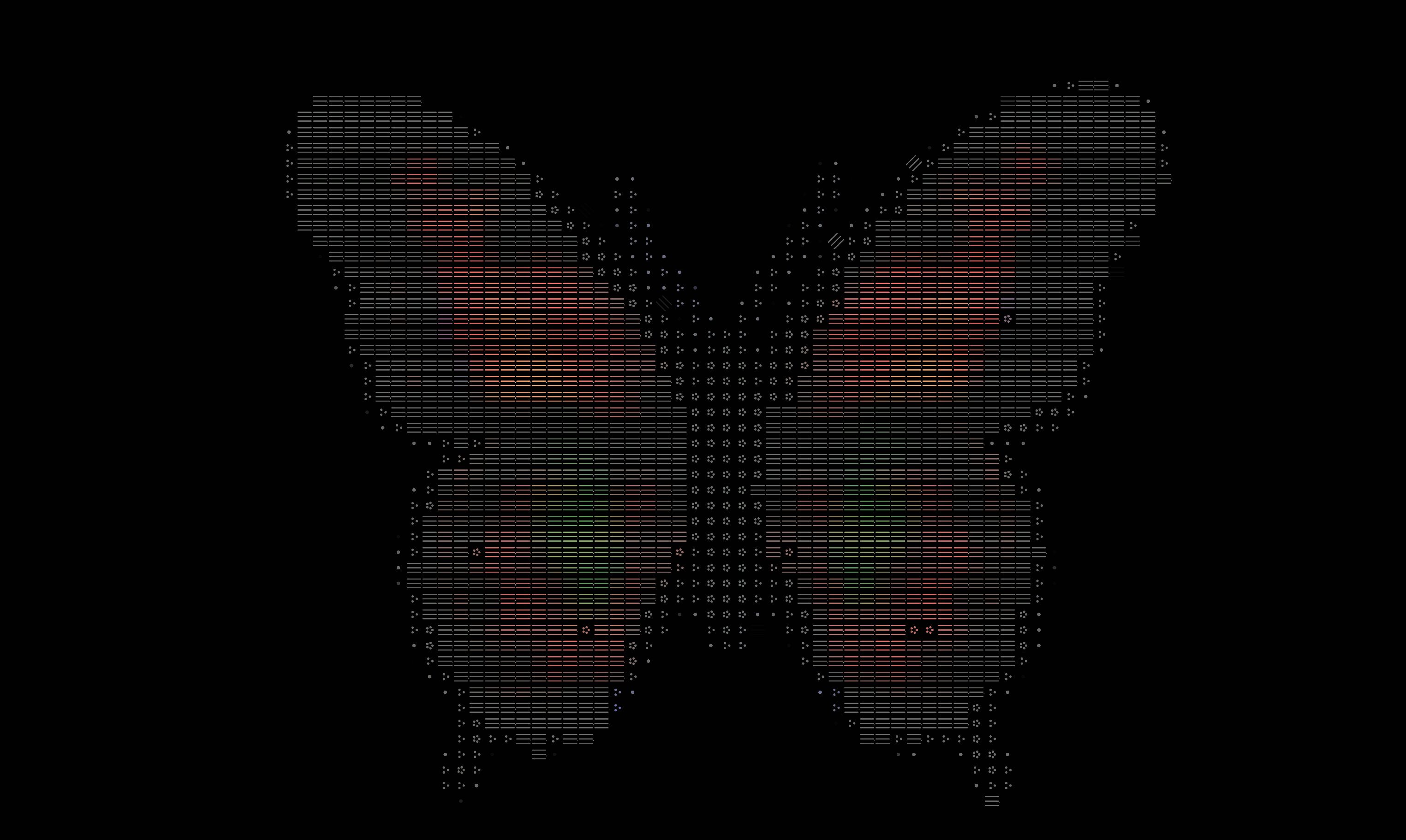 HATCH MODE
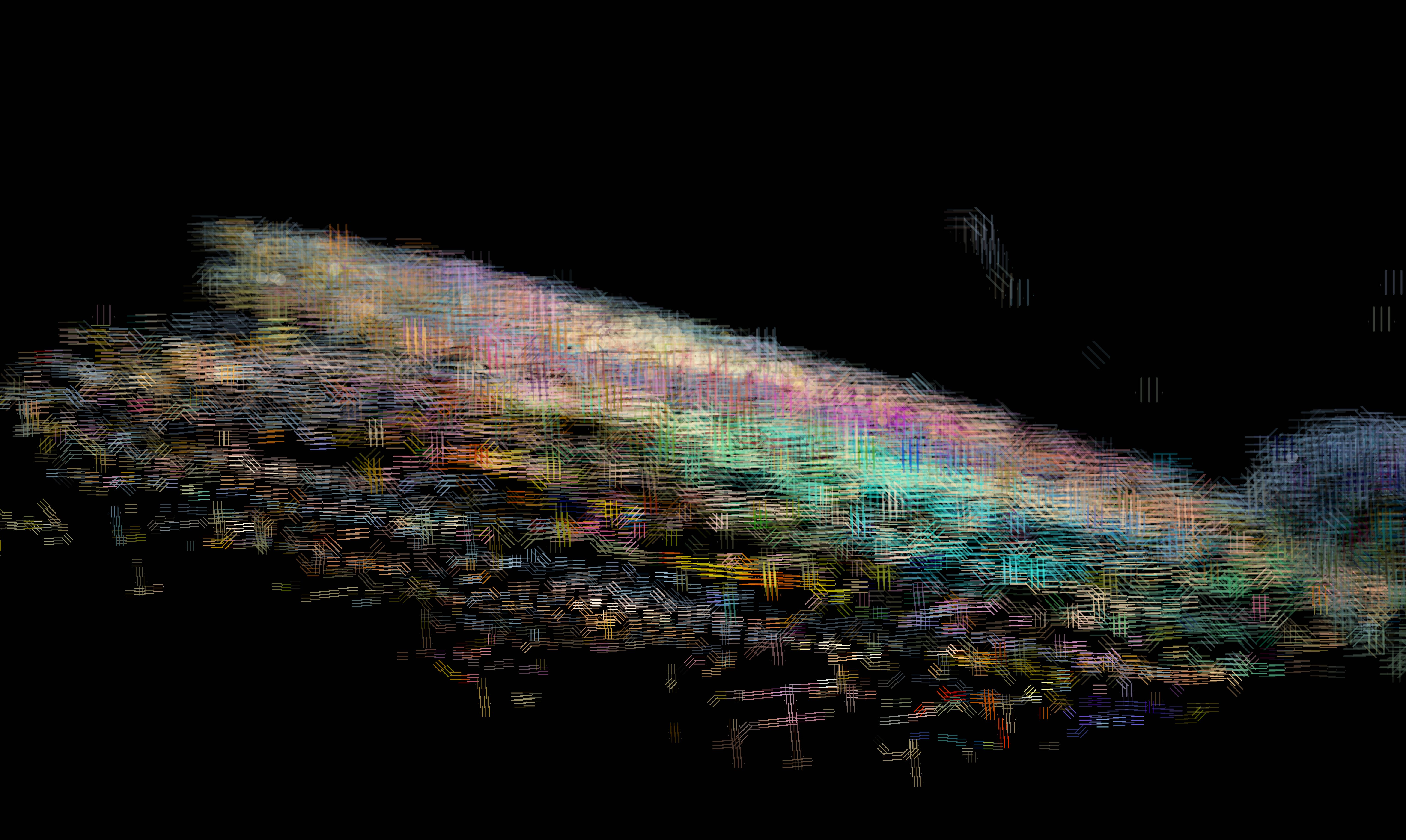 RACK FOCUS
Structure-aware marks
Each splat's projected covariance gives a local direction and elongation. Because a line at 10° equals one at 190°, orientations are averaged as double-angle (nematic) vectors, so marks follow real geometry instead of an arbitrary screen filter.
Locked to the surface
A one-time Web Worker precompute builds a coherent 3D surface frame with kd-tree, normals from each splat's covariance, sign consistency by minimum spanning tree, and a smoothed tangent line field. Strokes then ride the surface and stay attached as the camera orbits.
Depth of field as marks
Every mark gets a camera-space depth and a circle of confusion through the active lens. Each driver is monotone in defocus and deterministic per mark, so a focus pull glides without flicker.
A cinematographer's lens
The conundrum, on purpose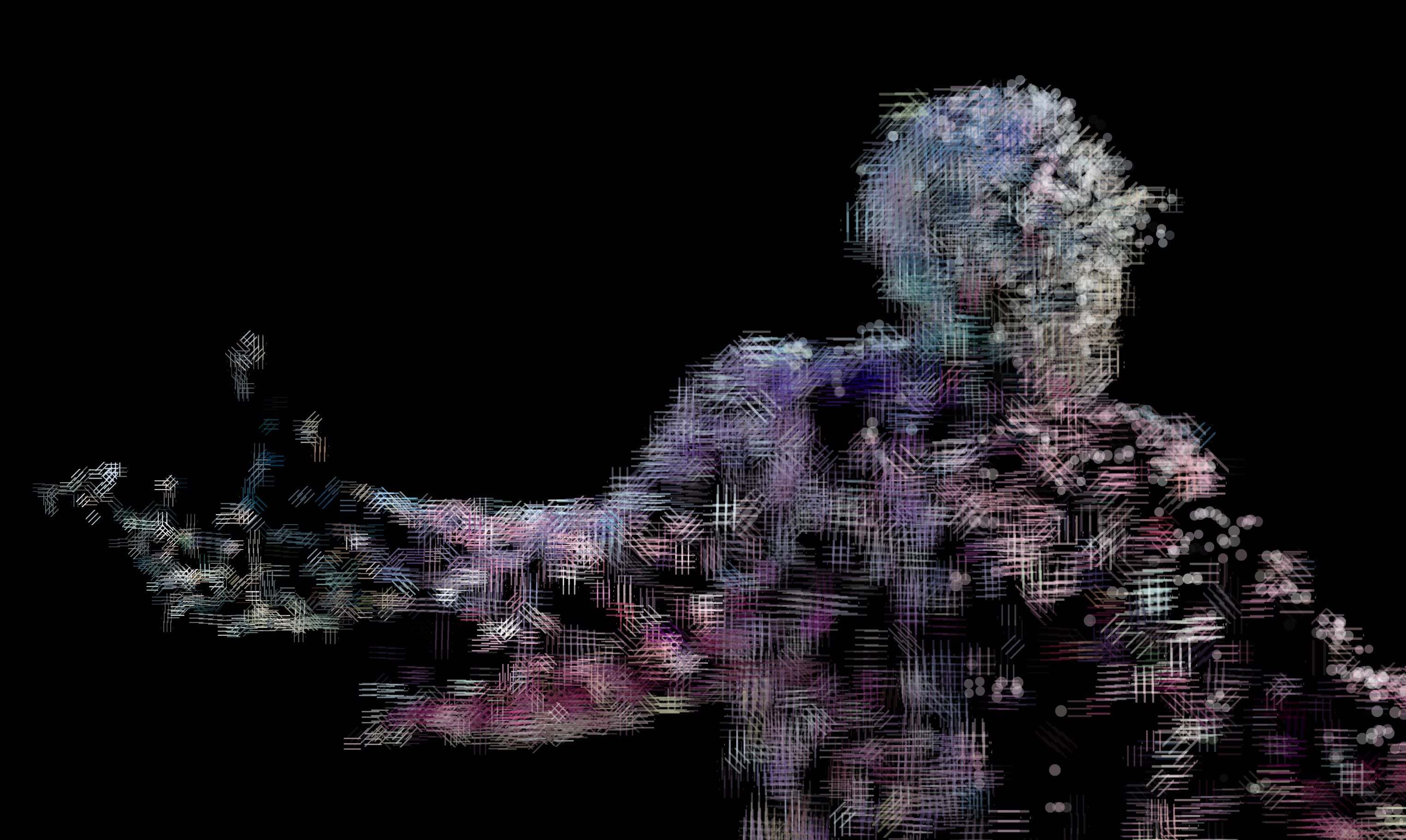 THIN-LENS · FOCUS PLANE
Most NPR tools think like illustrators. InkField also thinks like a camera.
The lens model carries the controls found on set: a 24 / 35 / 50 / 85 mm focal preset, an aperture in stops, and a focus distance. A focus-peaking preview tints in-focus marks so I can confirm where the plane sits.
An animatable camera rig drives two deterministic paths: an Orbit turntable and a Dolly in, with play, scrub, duration, and speed. Scrubbing to a given progress always lands on the same pose, which is exactly what makes a rack-focus or a dolly push repeatable. It's the same virtual-production logic I built into CineWave's digital twin, pointed at a renderer instead of a robot arm.
The whole point: give an indie creator a real lens vocabulary over a scanned object, and let them pull focus as a drawing decision rather than a post-blur.
How it works
Very nerdy · be forewarnedUnder the marks is a graphics pipeline, built on a stack of genuinely beautiful research I borrowed for a deliberately silly purpose.
Splats project to screen as oriented ellipses (EWA splatting). The major axis of each gives a line direction; because line directions have no sign, they're accumulated as double-angle vectors so averaging is actually correct. For surface-locked looks, a background worker recovers per-splat normals straight from the stored covariance, makes their signs consistent with an MST, and smooths a tangent line field. It's the same math as a 2-RoSy direction field, with topologically unavoidable defects that the tracer detects and routes around.
Flow mode traces evenly spaced streamlines through that field and stamps discrete glyphs along them, using tonal art maps so darker regions only ever add marks, which is what makes relighting flicker-free. The depth-of-field math lives as pure, Three.js-free, Node-tested modules, so the live view and the offline export share one implementation.
The full derivations are written up in the technical notes, with citations: covariance projection, the nematic field, surface-frame recovery, streamline placement, tonal hatching, and the determinism story.
# so average in double-angle form m(θ) = ( cos 2θ , sin 2θ ) M = Σ wᵢ · m(θᵢ)
# nematic order = confidence ∈ [0,1] S = ‖M‖ / Σ wᵢ
# tonal art maps: marks only added, # never moved → flicker-free relight T₁ < T₂ ⟹ Strokes(T₁) ⊆ Strokes(T₂)
From TECHNICAL_NOTES.md · §3, §4, §13
Try it · see it move
Live tool · orbit & dollyOpen a scan and orbit it yourself
The full renderer runs live in the browser: load the bundled scene or drop in your own splat, switch modes, pull focus, and export. You don't need a login or an install.